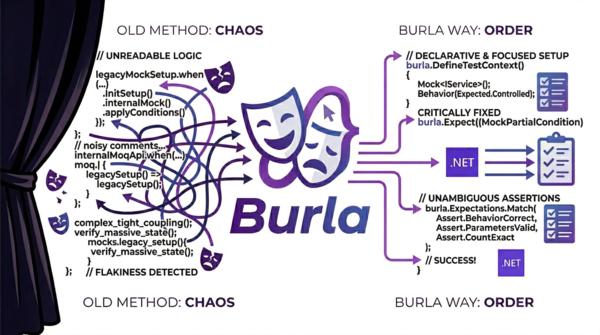
A few days ago I published Burla. That post was the public “why now” moment. This one is the more opinionated follow-up.
Toy examples are where mocking libraries look tidy. Real migrations are where they tell the truth. One interface, one return value, one happy path proves almost nothing. The real test starts when you move a real suite, hit async-heavy code, wrestle with ref and out parameters, or ask an AI assistant to help with a large mechanical rewrite.
I finally had the guts to publish Burla.
I have been using LLMs for coding since the beginning, and over the last few months I went properly down the rabbit hole: different hosted models, local models, agentic workflows, migration prompts, planning loops, the whole lot. At some point I realised I did not just want opinions about AI tooling. I wanted a real project that could absorb all that experimentation and prove whether any of it was actually useful.
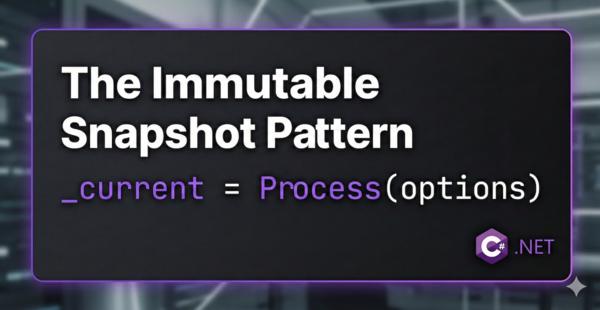
You’ve got a middleware. It reads a comma-separated list of allowed hosts from configuration. Or maybe it loads a dictionary of route mappings, or parses a set of feature flags into a lookup table. The config value can change at runtime and you need to pre-process it into something your middleware can actually use on every request.
How hard can it be? 🤷
Logs are a key element for diagnosing, monitoring or auditing the application’s behaviour, so if you are either a library author or you are developing an application, it is important to ensure that the right logs are generated.
Would it be nice if there was an easy solution to write tests for it? Let’s start a journey through the best approaches to tests logs when using Microsoft.Extensions.Logging.
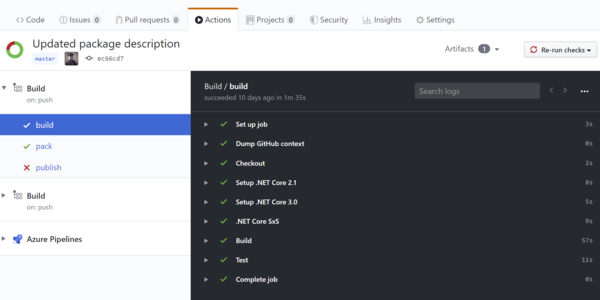
GitHub Actions are a great free tool to have continuous integration of your opensource .NET library for free, directly into GitHub, saving you from setting up other tools and linking accounts. Setting it up can feel a daunting task but, if you follow this guide you are going to be able to set it up in 10 minutes!
I often get asked if it is better to have a global.json in a .NET project (not necessarily .NET Core) to define a specific .NET Core SDK version and, unfortunately, if you need a short answer you will get from me the typical engineer answer: it depends! Here is the full answer so you can decide what suits best for your needs.